Share your screen,
not your private chats.
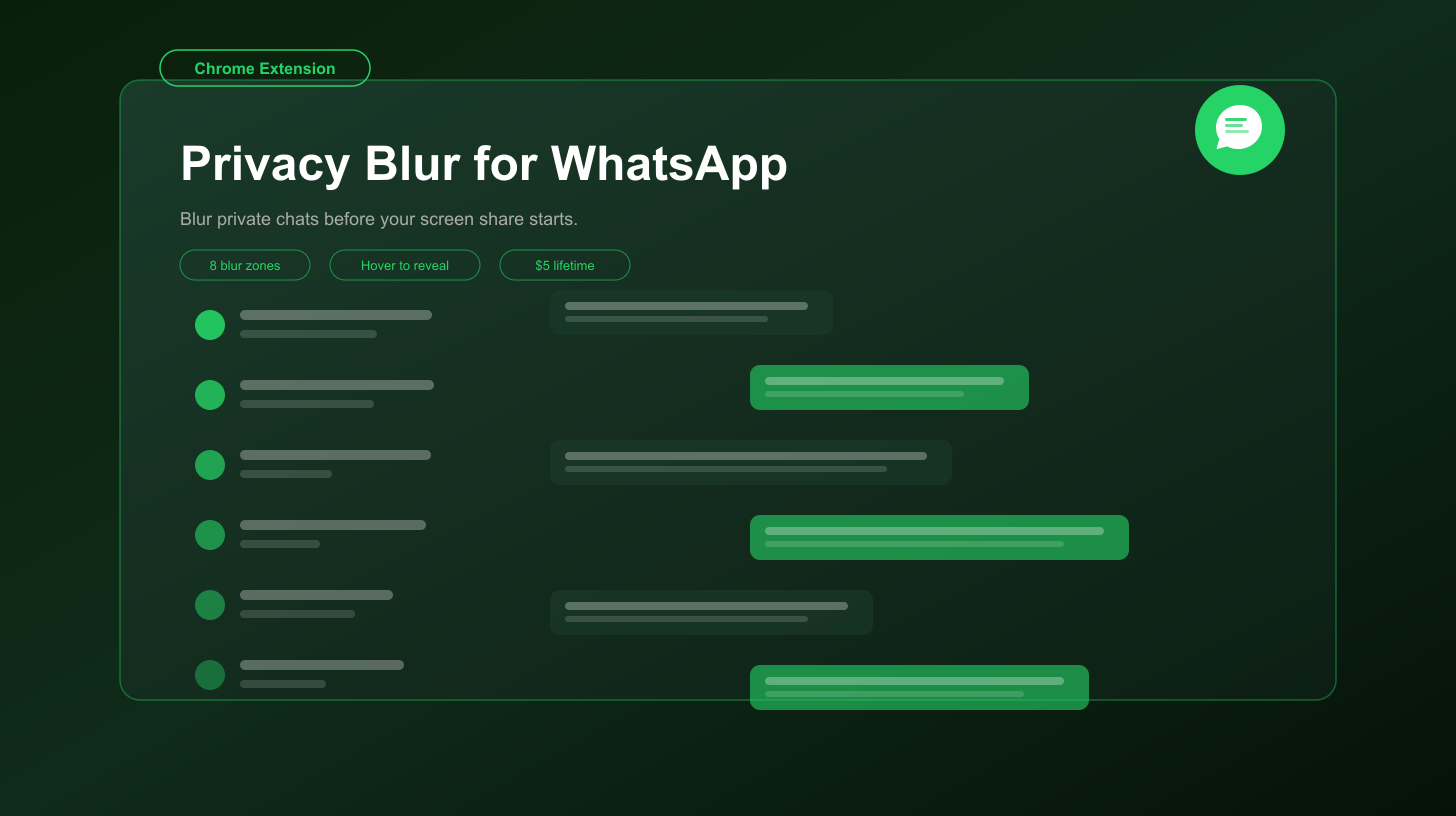
Privacy Blur for WhatsApp hides sensitive chats, names, previews, and media on WhatsApp Web during screen sharing, recordings, and live demos. Blur what's public. Hover to reveal what's personal.
Free forever · Pro from $5 lifetime · 7-day trial
How it works
Open WhatsApp Web
Navigate to web.whatsapp.com in Chrome. The Privacy Blur widget appears automatically in the bottom-right corner.
Choose what stays private
Toggle messages, contact names, chat previews, media, the compose box, and more before you start sharing.
Hover to reveal
Need to read something yourself? Hover over a blurred area to peek locally while your audience still sees the blur.
8 Independent Blur Zones
Messages
Blur message text inside the active conversation and threads.
Contact Names
Hide the current chat title and sender names in busy group chats.
Chat List
Blur names in the left sidebar so nobody sees who you talk to.
Preview Text
Hide chat preview snippets before you start screen sharing.
Profile Photos
Blur avatars in the sidebar, header, and chat info drawer.
Compose Box
Hide drafts, replies, and half-written messages before they leak.
Images & Videos
Blur shared photos, videos, and media thumbnails in the chat.
Status / About
Hide status text and about info when contact details are visible.
Pro Features
- ✓ Persist blur settings across page reloads
- ✓ Alt+Shift+B global toggle and Alt+Shift+1 through 8 per-zone shortcuts
- ✓ Custom keyword rules — auto-blur terms like "salary", "offer", or "confidential"
- ✓ Sender rules — automatically blur every message from specific people
- ✓ One payment, lifetime access — no recurring fees
- ✓ Priority email support
7-day free trial · $5 one-time (lifetime) · Cancel anytime
Frequently asked questions
Is Privacy Blur for WhatsApp free?
Does it send my chats to a server?
Does it work in group chats and DMs?
Can I blur the chat list before I start sharing?
Does it work in the WhatsApp desktop app?
Screen share without second-guessing.
Blur fast. Share calmly. Keep private chats private.
View on Chrome Web StoreWhat is Privacy Blur for WhatsApp?
Privacy Blur for WhatsApp is a free Chrome extension that blurs sensitive WhatsApp Web content — chat list, message previews, avatars, and media — during screen sharing, recording, or live demos. Runs on web.whatsapp.com in Chrome, entirely client-side.