7 Best Gmail Chrome Extensions for Productivity (2026)
Gmail is powerful, but the default compose experience is still pretty basic. You can write, attach files, and hit send — but that does not solve the real problems most people deal with every day: weak subject lines, missed follow-ups, repetitive replies, cluttered inboxes, and no easy way to tell what happened after an email went out.
That is why the right Chrome extension can make Gmail feel like a real productivity tool instead of just an inbox. For this list, I focused on extensions that help professionals, freelancers, sales reps, recruiters, and operators move faster without turning Gmail into a mess.
What Makes a Great Gmail Extension?
- It works naturally inside Gmail or right alongside it
- It removes steps instead of adding more tab switching
- It has a free tier you can actually test in real work
- It is useful without demanding a complex setup
- It solves a recurring daily problem: writing, follow-up, tracking, templates, CRM, or focus
title: “7 Best Gmail Chrome Extensions for Productivity (2026)” description: “The best Gmail Chrome extensions for productivity in 2026, compared for writing, scheduling, tracking, templates, CRM, and focus.” date: “2026-07-20” tags: [“gmail”, “chrome extensions”, “productivity”, “email”, “sales”] image: “/assets/blog/emailsubjectscore-cws.png” relatedProducts: [‘gmail-subject-score’]
2. Boomerang for Gmail
What it does: Boomerang helps you schedule emails, set follow-up reminders, and pause your inbox so you can work without constant interruptions. It is one of the most established Gmail productivity tools for a reason: it handles the practical parts of email that people usually try to manage from memory.
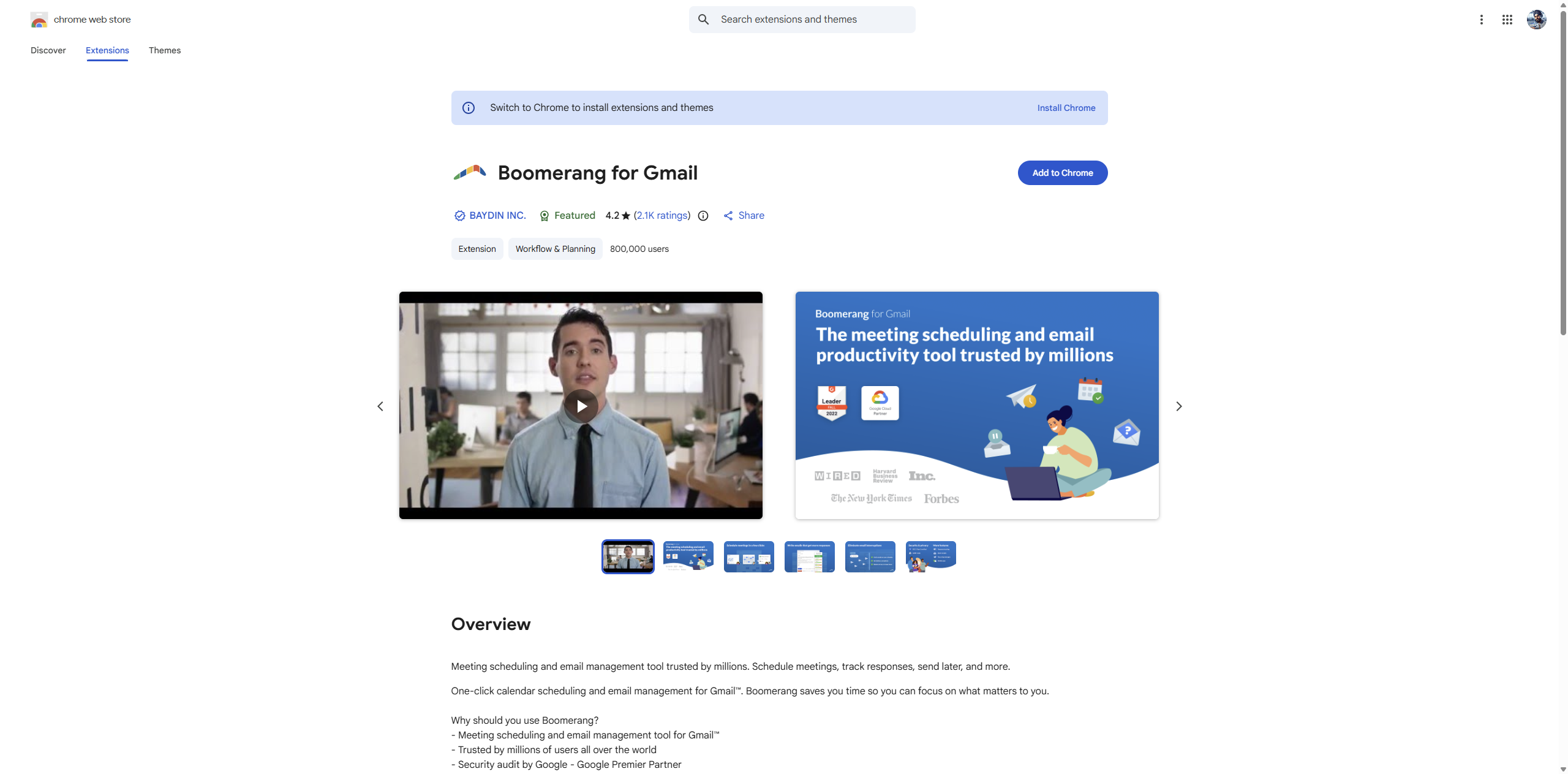
If you routinely draft client replies late at night, Boomerang lets you write now and send tomorrow morning. If you are waiting on a proposal, invoice, or intro, you can ask Boomerang to remind you when nobody replies. Inbox Pause is also genuinely useful for people who need focused work blocks instead of reacting to every new message all day.
Best feature: Send later and follow-up reminders in the same workflow.
Limitation: It does not help with writing quality or subject line optimization. A perfectly timed email still underperforms if the subject line gets ignored. The free plan is also quite limited at 10 credits/month — most active emailers hit that cap within the first few days.
Price: Free for 10 credits/month. Paid plans run about $4.98-$14.98/month.
Best for: Scheduling, follow-up automation, and anyone who wants more control over when email gets sent and seen.
title: “7 Best Gmail Chrome Extensions for Productivity (2026)” description: “The best Gmail Chrome extensions for productivity in 2026, compared for writing, scheduling, tracking, templates, CRM, and focus.” date: “2026-07-20” tags: [“gmail”, “chrome extensions”, “productivity”, “email”, “sales”] image: “/assets/blog/emailsubjectscore-cws.png” relatedProducts: [‘gmail-subject-score’]
4. Grammarly
What it does: Grammarly gives you real-time spelling, grammar, and tone suggestions while you write. Even though it is not Gmail-specific, it is still one of the most useful Chrome extensions for anyone who spends a big part of the day in email. It catches the small mistakes that make fast replies feel sloppy and the tone issues that can make short emails sound harsher than intended.
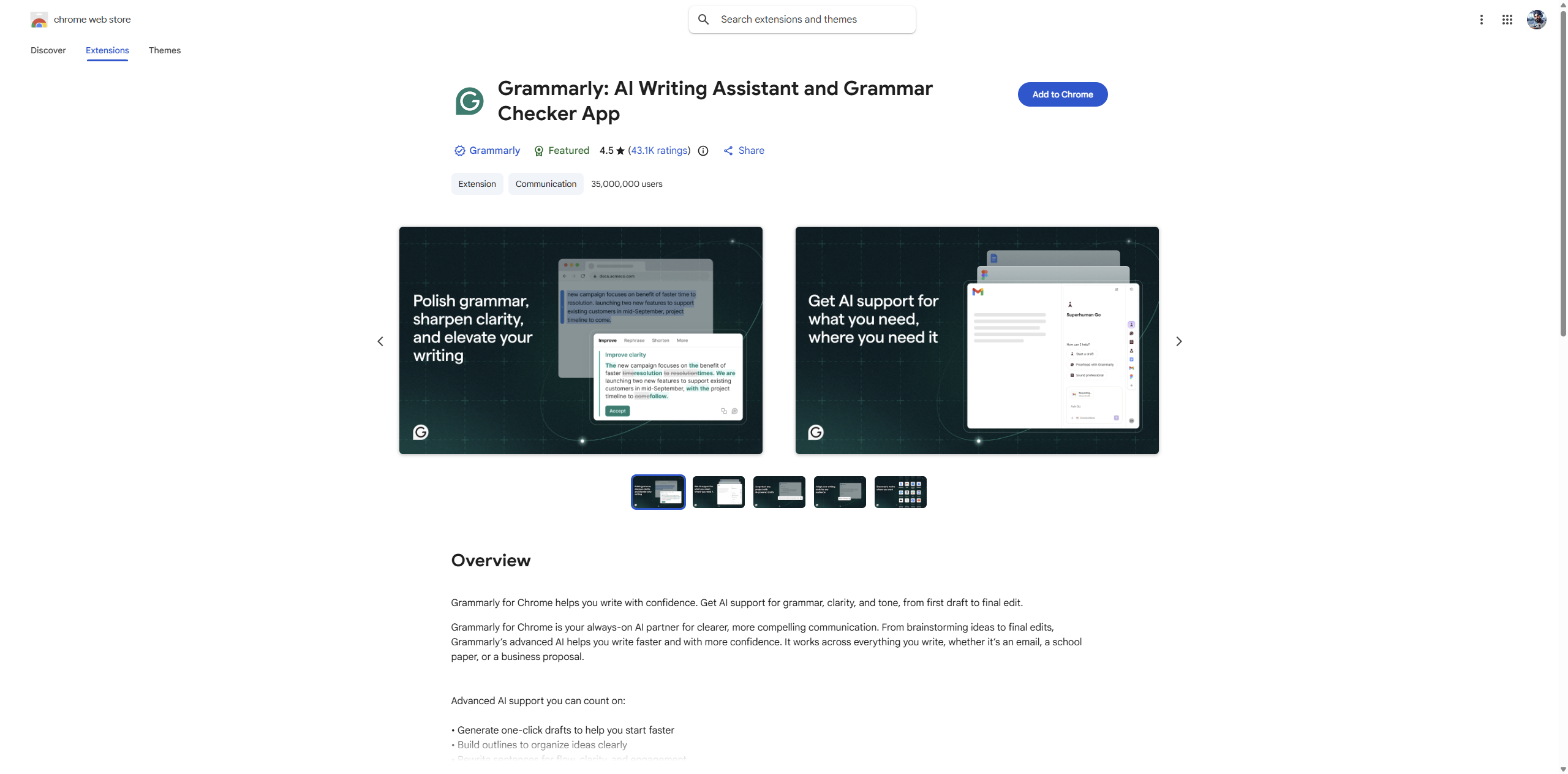
For busy professionals, Grammarly is less about perfect grammar and more about shipping cleaner communication faster. If you write proposals, client updates, introductions, support replies, or cold outreach, it helps reduce the friction between “good enough draft” and “ready to send.” Because it works beyond Gmail, it also carries over into docs, LinkedIn, and web forms.
Best feature: Real-time writing improvement everywhere, including Gmail.
Limitation: It does not score subject lines specifically — it helps the body but ignores the most important line in the email. It is also not a workflow tool for scheduling, CRM, or templates. The premium tier at $12/month is steep for people who mostly need help with short email messages rather than long documents.
Price: Free basic plan. Premium starts around $12/month.
Best for: Overall writing quality and people who want cleaner emails without slowing down.
title: “7 Best Gmail Chrome Extensions for Productivity (2026)” description: “The best Gmail Chrome extensions for productivity in 2026, compared for writing, scheduling, tracking, templates, CRM, and focus.” date: “2026-07-20” tags: [“gmail”, “chrome extensions”, “productivity”, “email”, “sales”] image: “/assets/blog/emailsubjectscore-cws.png” relatedProducts: [‘gmail-subject-score’]
6. HubSpot Sales
What it does: HubSpot Sales brings CRM features into Gmail, including email tracking, template support, contact records, and meeting scheduling. If your inbox is tightly connected to pipeline management, this kind of extension can save a lot of tab-switching.
The value here is not just convenience. It is context. When you open an email, seeing the contact history, company details, or prior interactions can help you respond faster and more intelligently. For sales teams, account managers, and founders running outreach from a CRM-backed workflow, that matters. You spend less time hunting for context and more time moving the conversation forward.
Best feature: CRM context inside Gmail for sales and relationship management.
Limitation: It can feel like too much tool for solo freelancers or people who just want a lighter, faster Gmail setup. The setup is also heavier than simpler extensions — you’re adding a full CRM layer on top of Gmail, which some people find slows down their workflow rather than speeding it up.
Price: Free CRM and extension available. Paid plans typically start at $20+/month depending on features.
Best for: Sales teams and operators who already live in a CRM-driven workflow.
title: “7 Best Gmail Chrome Extensions for Productivity (2026)” description: “The best Gmail Chrome extensions for productivity in 2026, compared for writing, scheduling, tracking, templates, CRM, and focus.” date: “2026-07-20” tags: [“gmail”, “chrome extensions”, “productivity”, “email”, “sales”] image: “/assets/blog/emailsubjectscore-cws.png” relatedProducts: [‘gmail-subject-score’]
Comparison Table
| Extension | Category | Price | Works in compose? |
|---|---|---|---|
| EmailSubjectScore Pro | Subject line scoring | Free (50 scores/month) | Yes |
| Boomerang for Gmail | Scheduling and follow-ups | Free plan, paid from $4.98-$14.98/mo | Yes |
| Mailtrack | Email tracking | Free, paid from $5+/mo | Yes |
| Grammarly | Writing quality | Free, Premium from $12/mo | Yes |
| Text Blaze | Templates and snippets | Free, Pro from $2.99/mo | Yes |
| HubSpot Sales | CRM and sales workflow | Free CRM, paid from $20+/mo | Yes |
| Simplify Gmail | Interface cleanup and focus | Free trial, then $3/mo or $36/yr | No |
title: “7 Best Gmail Chrome Extensions for Productivity (2026)” description: “The best Gmail Chrome extensions for productivity in 2026, compared for writing, scheduling, tracking, templates, CRM, and focus.” date: “2026-07-20” tags: [“gmail”, “chrome extensions”, “productivity”, “email”, “sales”] image: “/assets/blog/emailsubjectscore-cws.png” relatedProducts: [‘gmail-subject-score’]
The Best Gmail Productivity Extension for Most People
If your goal is to spend less time in Gmail while getting better results from the emails you already send, the best place to start is the compose box itself. That is where subject lines get written, where weak first impressions happen, and where a small improvement can pay off every single day.
Try EmailSubjectScore Pro if you want real-time feedback on spam risk, clarity, and urgency without leaving Gmail. The free plan gives you 50 scores per month, which is enough for most people to feel the difference quickly.