5 Best Chrome Extensions for Email Subject Lines (2026)
Your subject line is the single biggest factor in whether your email gets read or ignored. The average cold email reply rate is just 3-5% — and most of that filtering happens at the subject line. If it sounds generic, triggers spam keywords, or lacks any reason to open now, your email dies before the body gets a chance.
The problem: you can’t tell how good a subject line is just by looking at it. What sounds clever to you might trigger spam filters. What feels urgent might come across as pushy. You need scoring — objective feedback before you hit send.
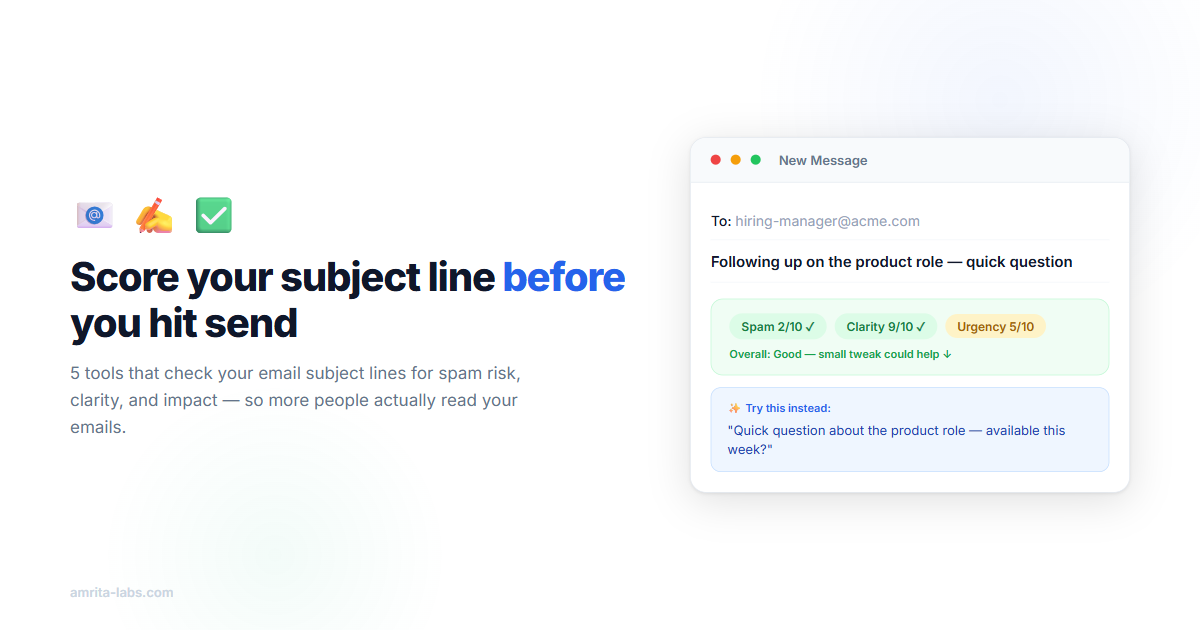
EmailSubjectScore Pro is a free Chrome extension that scores Gmail subject lines for spam risk, clarity, and urgency in real time.
Below are the 5 best tools for testing and improving your email subject lines in 2026 — ranging from in-Gmail Chrome extensions to web-based analyzers. I’ve tested each one and noted what they’re actually good at (and where they fall short).
2. SendCheckIt
sendcheckit.com/email-subject-line-tester — Free, unlimited
SendCheckIt gives you a single score out of 100 for any subject line you paste in. It checks character count, word count, spam words, capitalization, and emoji usage, then gives a simple pass/fail breakdown.
What it does well:
- Fast — paste a subject line, get an instant score
- Clear pass/fail indicators for each dimension
- Unlimited free checks (no account needed)
- Also offers an email deliverability testing tool
Limitations:
- Web-based only — you have to leave Gmail, copy your subject line, paste it, and come back
- No AI rewrites — tells you what’s wrong but not how to fix it
- Single composite score (less granular than multi-dimension scoring)
- No real-time feedback while composing
Best for: Batch checking a list of subject line variations before a campaign. If you’re comparing 5 options, paste each one and pick the highest scorer.
4. Mailmeteor Subject Line Tester
mailmeteor.com/email-subject-line-tester — Free, unlimited
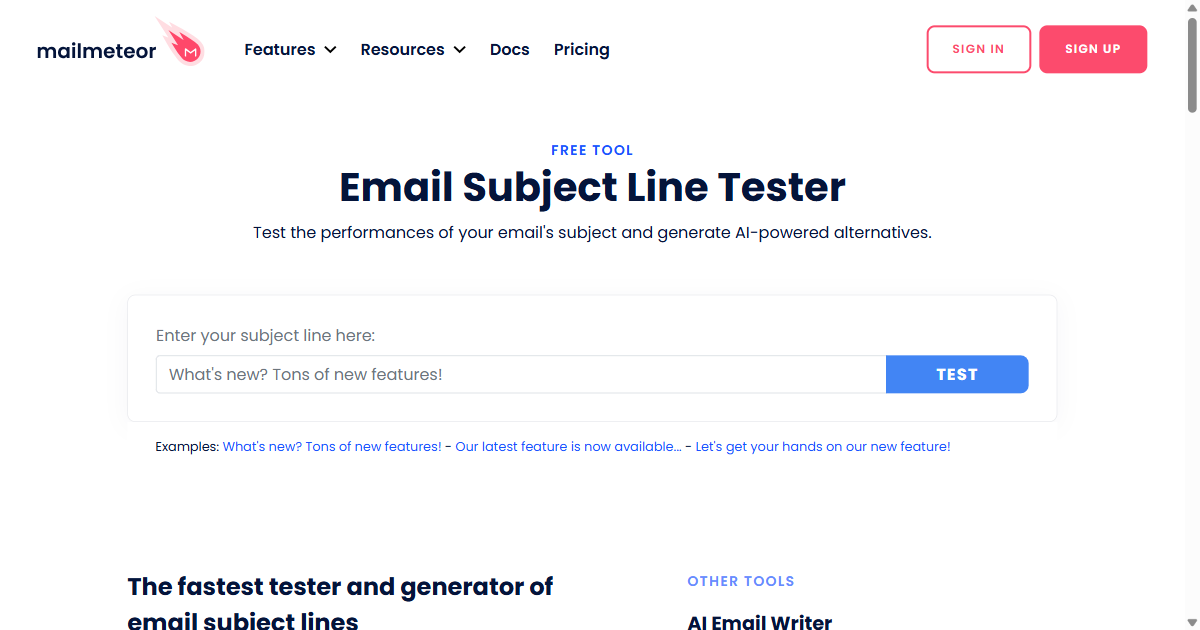
Mailmeteor is primarily a Gmail mail merge tool, but their subject line tester is a solid free standalone feature. It checks length, word count, spam triggers, and now includes AI-generated alternative suggestions.
What it does well:
- Spam word detection with specific flagged words highlighted
- AI-generated alternative subject lines (unique among free tools)
- Character and word count with mobile preview length indicator
- Clean, fast interface — no account needed
Limitations:
- Web-based — not in Gmail (though their mail merge extension does integrate with Gmail)
- AI suggestions are generic and may not match your tone
- Less depth on the “why” behind scores
Best for: People who want quick AI suggestions for rewrites. Paste your subject line, get 3-4 alternatives instantly. Pick the best one and move on.
Comparison: Which Tool Should You Use?
| Tool | In Gmail? | Real-time? | Free tier | AI rewrites? | Best for |
|---|---|---|---|---|---|
| EmailSubjectScore Pro | ✅ | ✅ | 50/month | ✅ | Daily email writing |
| SendCheckIt | ❌ | ❌ | Unlimited | ❌ | Batch comparisons |
| CoSchedule | ❌ | ❌ | Limited | ❌ | Word balance learning |
| Mailmeteor | ❌ | ❌ | Unlimited | ✅ | Quick AI alternatives |
| SubjectLine.com | ❌ | ❌ | Unlimited | ❌ | Deliverability depth |
The biggest difference: workflow integration. Tools 2-5 all require leaving Gmail, copying your subject line, pasting it into another tab, reading the result, then going back to Gmail to make changes. EmailSubjectScore Pro is the only one that scores in place — which means you’ll actually use it on every email, not just when you remember to check.
The Bottom Line
A subject line scorer won’t turn a bad email into a good one. But it catches the obvious mistakes — spam trigger words you didn’t notice, vague phrasing that gives no reason to open, missing urgency. Those fixes alone can meaningfully improve your reply rates over time.
The best tool is the one you’ll actually use every day. If it requires extra steps, you’ll skip it when you’re busy — which is exactly when you write your worst subject lines.
Install EmailSubjectScore Pro (Free — 50 scores/month) — scores appear as you type in Gmail, no tab switching needed.